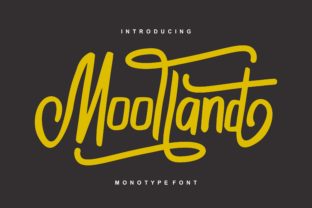
Moolland: The Elegant Calligraphic Style That Elevates Design
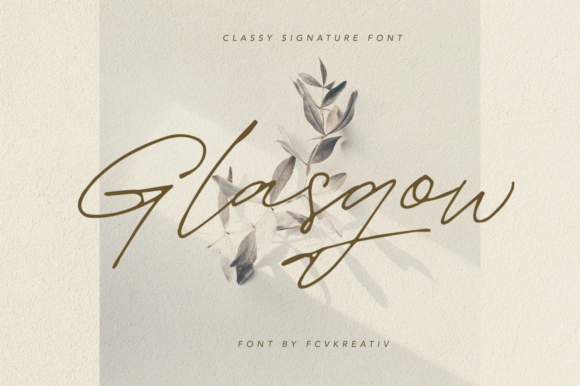
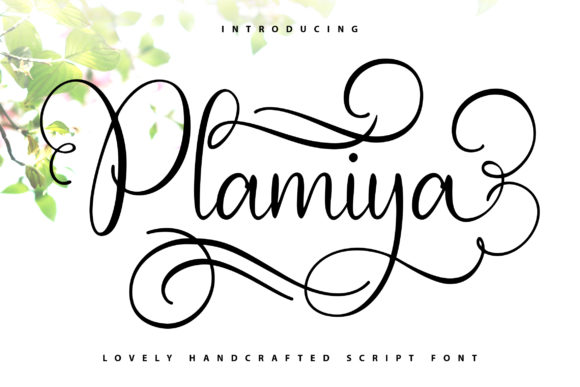
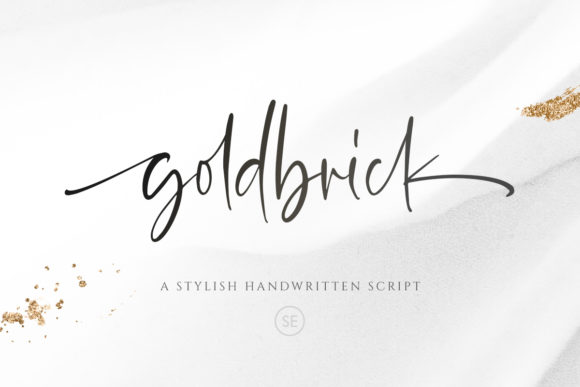
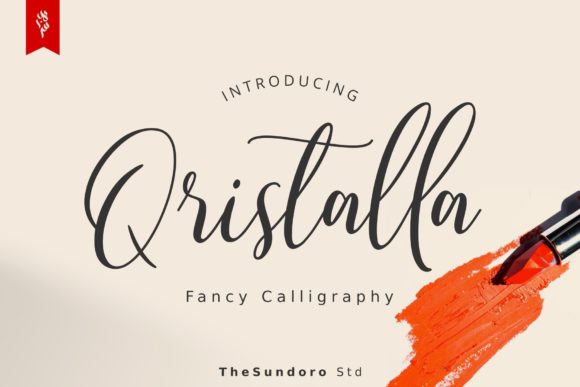
Moolland is more than just a font—it's a calligraphic style that brings a touch of artistry and sophistication to any design project. Whether you're creating greeting cards, branding materials, business cards, or quotes, Moolland offers a unique aesthetic that stands out. Its flowing lines and refined details make it ideal for those looking to add a personal, handcrafted feel to their work.
What Makes Moolland Unique?
Unlike standard fonts, Moolland is designed with the elegance of traditional calligraphy in mind. It features subtle variations in stroke weight and fluid curves that mimic the natural movement of a pen on paper. This makes it particularly well-suited for projects that require a sense of authenticity and creativity. However, its beauty also means that it can be easy to overuse or misuse, leading to less effective designs.
One of the key reasons people are drawn to Moolland is its versatility. It works well in both digital and print formats, making it a popular choice for designers, entrepreneurs, and creatives across various industries. But understanding how to use it effectively is crucial to achieving the desired impact.
Common Mistakes When Using Moolland
Despite its appeal, many users make mistakes when incorporating Moolland into their work. One common error is using it in large blocks of text. While Moolland is visually striking, it’s not always the best choice for body copy. Its intricate details can reduce readability, especially in smaller sizes or when used in long paragraphs.
Another mistake is failing to consider the context of the design. Moolland may look great on a wedding invitation, but it might not fit the tone of a corporate report or a technical document. Choosing the right font for the right purpose is essential to maintaining professionalism and clarity.
Overlooking Font Pairing
A frequent oversight is not pairing Moolland with complementary fonts. Using it alone can sometimes feel overwhelming or unbalanced. A good approach is to pair it with a clean, sans-serif font for headings or subheadings. This contrast helps guide the viewer’s eye and improves overall readability.
For example, if you’re designing a brochure, use Moolland for the title and a simple font like Arial or Helvetica for the body text. This creates a visual hierarchy that enhances the design without sacrificing legibility.
How to Avoid Common Pitfalls
To get the most out of Moolland, start by understanding your design goals. Ask yourself: What message am I trying to convey? Who is my audience? How does this font align with the overall brand identity? These questions can help you determine whether Moolland is the right choice for your project.
Before finalizing your design, test Moolland in different sizes and contexts. View it on various devices and in different lighting conditions to ensure it remains legible and visually appealing. If possible, seek feedback from others to identify any potential issues you may have missed.
Choosing the Right Format
Moolland is available in multiple formats, including OTF (OpenType) and TTF (TrueType). Each format has its own advantages, so it's important to choose the one that best suits your needs. For professional design work, OTF is often preferred due to its advanced typographic features, such as ligatures and alternate characters.
If you're using Moolland for web-based projects, make sure it’s properly embedded and optimized for fast loading. Poorly formatted fonts can slow down your site and negatively impact user experience.
Practical Tips for Using Moolland Effectively
Here are some practical strategies to help you make the most of Moolland:
- Use it for headlines and titles: Moolland shines when used in short, impactful text. It adds a touch of elegance that can elevate the visual appeal of your work.
- Limit its use: Avoid using it in more than two places within a single design. Overuse can dilute its effect and make your design feel cluttered.
- Experiment with spacing: Adjusting letter and line spacing can enhance the readability of Moolland. Sometimes, a little extra space between letters can make a big difference.
- Combine with appropriate imagery: Pair Moolland with visuals that match its artistic style. A minimalist background or a soft gradient can complement its elegance without overpowering it.
What to Check Before Using Moolland
Before downloading or purchasing Moolland, verify its licensing terms. Some fonts may have restrictions on commercial use, which could affect your ability to use them in certain projects. Always read the license agreement carefully to avoid legal issues.
Additionally, check the font’s availability and compatibility. Ensure that it works across different software and platforms, especially if you’re collaborating with others or planning to use it in multiple formats.
Conclusion: Make Informed Choices With Moolland
Moolland is a powerful tool for adding a touch of class and creativity to your designs. However, its effectiveness depends on how it’s used. By avoiding common mistakes and following practical guidelines, you can harness its beauty while maintaining clarity and professionalism.
Whether you're a designer, marketer, or small business owner, taking the time to understand Moolland’s strengths and limitations will help you make better design decisions. With the right approach, Moolland can become a valuable asset in your creative toolkit.